Financial management
Track and manage company-wide financials with general ledger, accounts payable and accounts receivable.
Dynamics 365 ERP, powered by Microsoft
Grow beyond the limits of your basic accounting software. Cloud accounting and ERP built for small and medium-sized businesses, with fixed-price implementations from $9,000.
01Overview
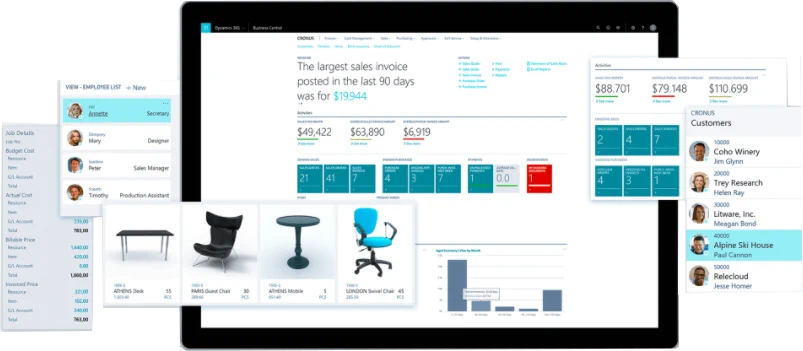
Built and optimized for small and medium-sized businesses, Business Central is a cloud-based software as a service (SaaS) accounting application. Pair it with Microsoft 365 and other Dynamics 365 apps for one connected experience.
Track and manage company-wide financials with general ledger, accounts payable and accounts receivable.
Track changes made to data with a historical log of activities.
Value your inventory with the method you like best: FIFO, Average, Standard, LIFO or Specific.
Handle transactions between companies in different countries or regions, with multiple currencies, charts of accounts, dimensions and item numbering.
Consolidate financial data from subsidiary companies, including companies in other countries or regions and in other currencies.
Business Central integrates with Dynamics 365 Sales for extended customer relationship management, so you only create a customer once.
Apps for iOS and Android make it easier than ever to manage your finances on the go.
Extend what Business Central does with third-party apps from Microsoft AppSource.
02Capabilities
Pick an area to see how Business Central handles it.
Connect data across accounting, sales, purchasing, inventory and customer interactions for an end-to-end view of your business. Chart financial performance in real time with built-in Power BI dashboards.
Power BI with Dynamics 365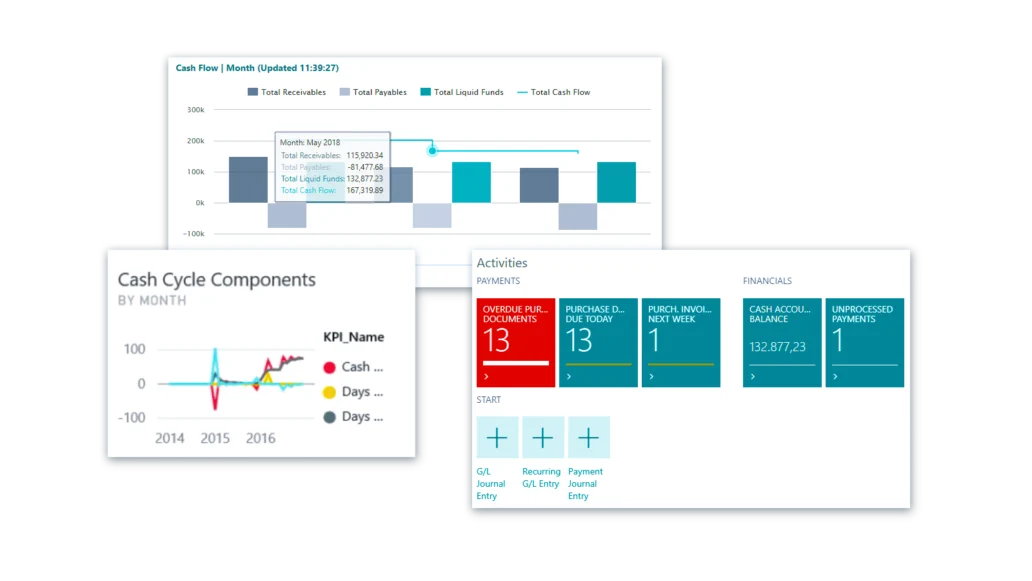
Keep the right amount of inventory by calculating stock levels, lead times and reorder points automatically.
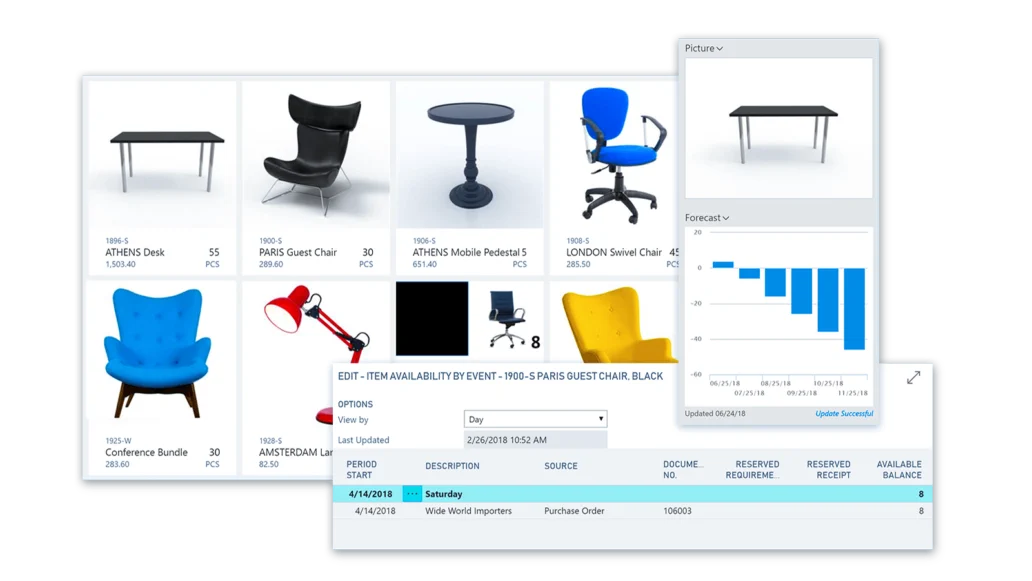
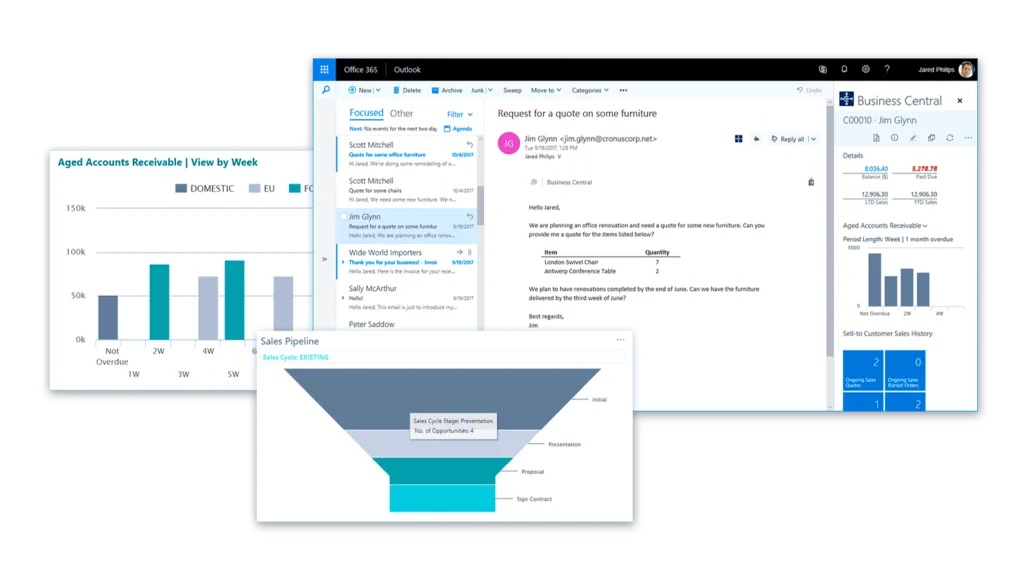
Keep track of every customer interaction and get guidance on the best upsell, cross-sell and renewal opportunities throughout your sales cycle.
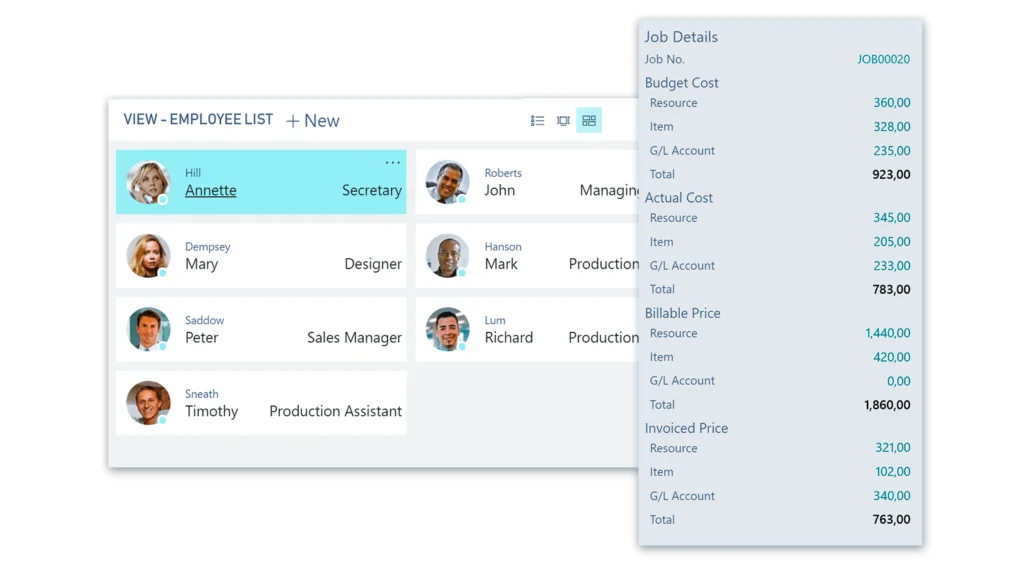
Create, manage and track customer projects with timesheets, advanced job costing and reporting.
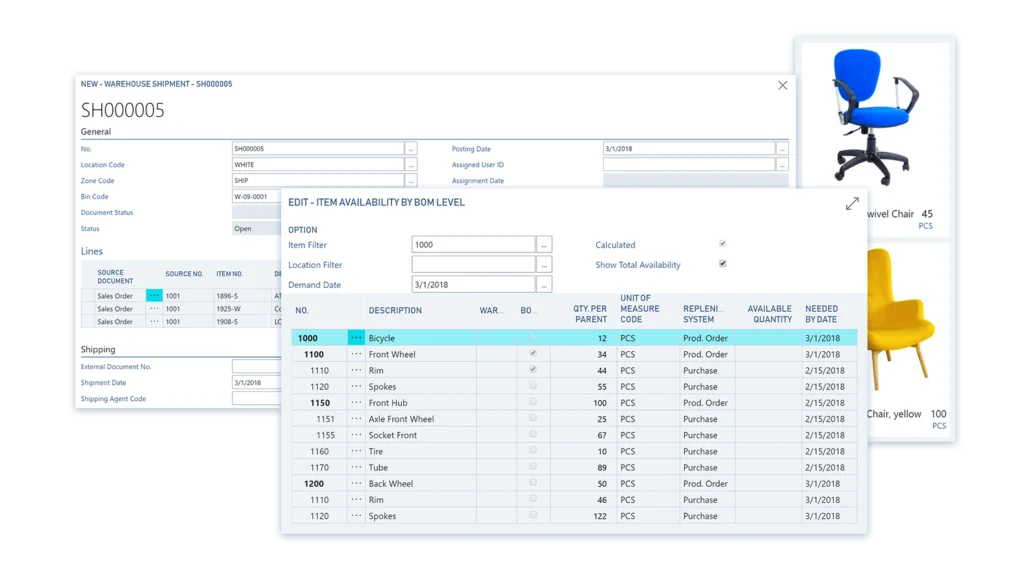
Calculate and optimize manufacturing capacity and resources to improve production schedules and meet customer demand.
03See it in action
19 official Microsoft videos, grouped by topic. Press play to watch them here; nothing loads from YouTube until you do.
04How we help
We help you identify and purchase software that fits you and your organization.
We help companies design, configure and support their business-critical applications.
We connect multiple applications and customize them to meet your unique needs.
05Implementation packages
Every package has a set timeline and a set price, from $9,000.
Contact
Start with a free 2-hour Business Central assessment or a free 1-hour Power BI assessment. Then we show you which fixed-price package fits.
Takes about two minutes. We reply within one business day.
We will reply within one business day. If it is urgent, call +1 (833) 789-1551.